

The 15-Minute AI Capacity Audit
Most business owners in Dallas-Fort Worth don’t have a "growth" problem. They have a capacity problem.
You’ve likely felt it: you hire talented people to lead strategy or close deals, yet they spend 40% of their week wrestling with "administrative noise." They are drowning in what the 2024 Microsoft Work Trend Index calls "digital debt"—the endless cycle of emails, meetings, and data entry that leaves 80% of the workforce without the energy to do their actual jobs.
This isn't just an IT headache; it’s an invisible drain on your payroll.
If you aren’t providing a secure, managed system to handle this noise, your team is likely already solving it themselves. According to LinkedIn’s latest research, 78% of employees are bringing their own AI tools to work without telling their bosses. They’re seeking relief, but they're doing it in a way that creates a multi-million dollar security risk for your firm.
Here is how to run a 15-minute diagnostic audit on your operations to identify exactly where AI can stop the leak.
Phase 1: The "Energy Leak" Identification

We don’t start by looking at software; we start by looking at your team's frustration. AI shouldn't just be "added" to a workflow; it should be used to remove the parts of the job that feel like a chore.
The Diagnostic Question: Ask your department heads, "What is the one recurring task that makes your team groan when it hits their inbox?"
Common answers in the mid-market (Logistics, Medical, Construction) usually include:
Standardizing messy vendor data.
Drafting the same "status update" emails ten times a day.
Summarizing long-form project notes into action items.
Phase 2: The "Rule-Based" Litmus Test
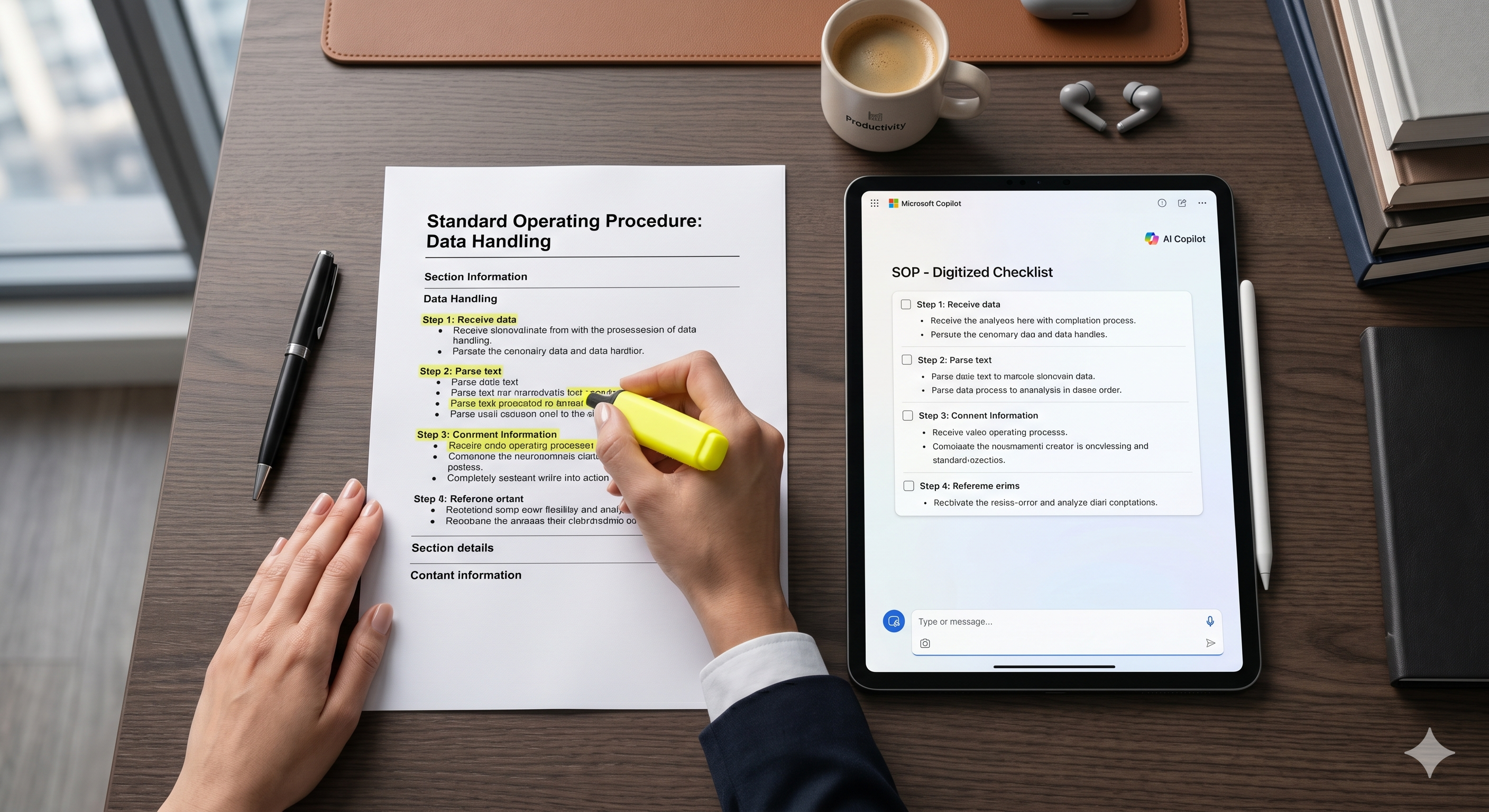
Once you have a list of tasks, you need to know if they are "AI-Ready." Not every problem is a nail, and AI isn't always the hammer.
The Test: If a task can be explained to a smart 5th grader in a set of clear instructions, the AI can likely handle 80% of it.
AI-Ready: "Summarize this 45-minute meeting transcript into five bullet points and a list of assigned tasks."
Not AI-Ready: "Decide if we should fire our primary logistics partner based on their performance over the last three years." (That requires your human "CEO Brain.")
Phase 3: The Three High-Impact "Reclamations"
Based on our work with firms across North Texas, these are the three areas where a managed AI system provides the fastest return on your "thinking time."
1. The End of "Meeting Purgatory"

The average manager spends hours every week just trying to remember what was said in a meeting.
The Shift: Use a vetted, secure tool like Microsoft 365 Copilot to record and transcribe.
The Result: You spend zero minutes taking notes and ten seconds reviewing the AI-generated "Action Items" list. You’ve just bought back 15% of your work week.
2. The "SOP" (Standard Operating Procedure) Engine
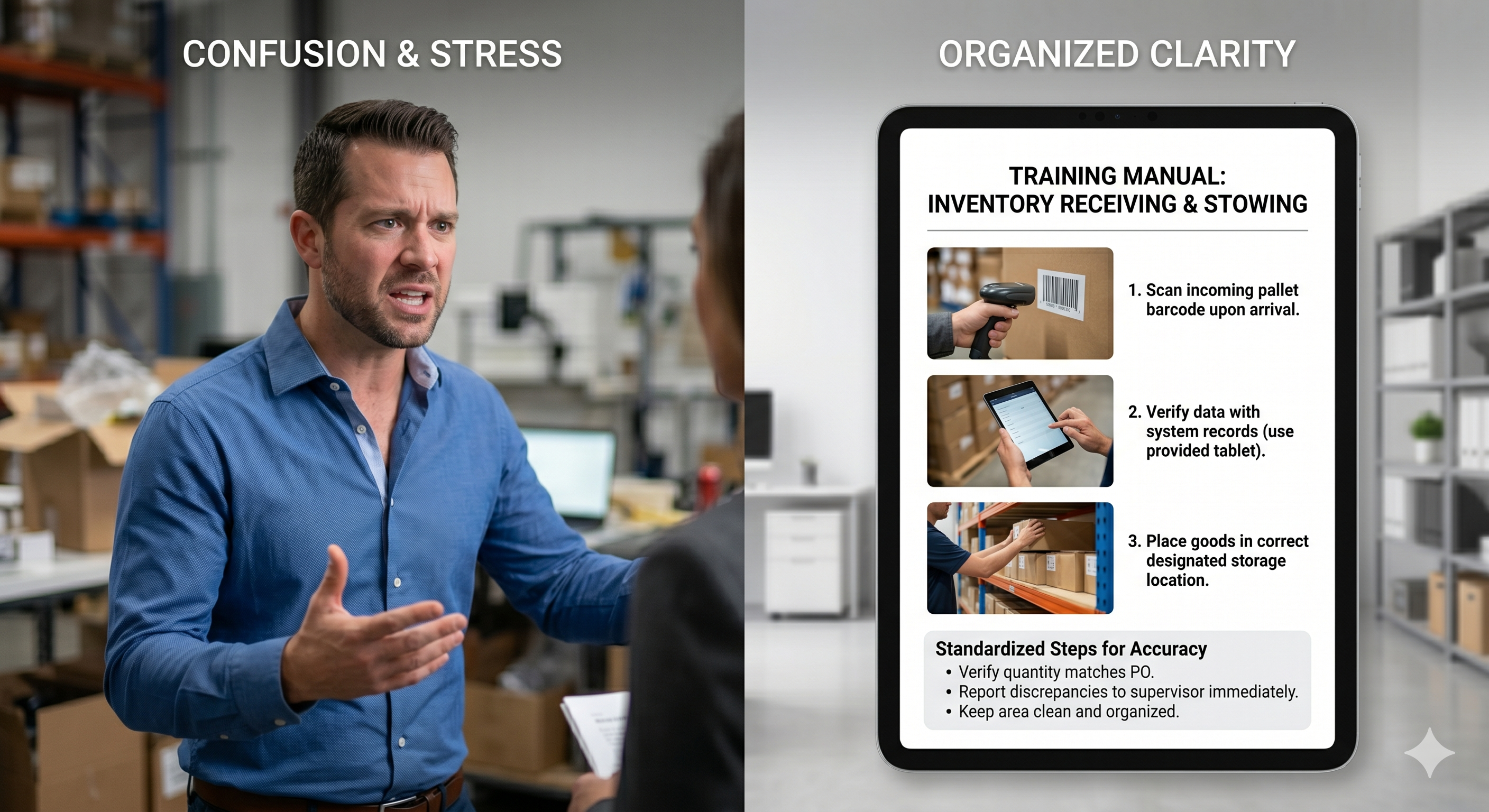
Scaling a business requires systems, but nobody has time to write them.
The Shift: Record a 3-minute screen share of you performing a task (using a tool like Descript).
The Result: The AI transcribes your voice and generates a step-by-step training manual for your next hire. You move the knowledge from your head to the company's "Vested Vault" instantly.
3. The "Regulatory Shield"
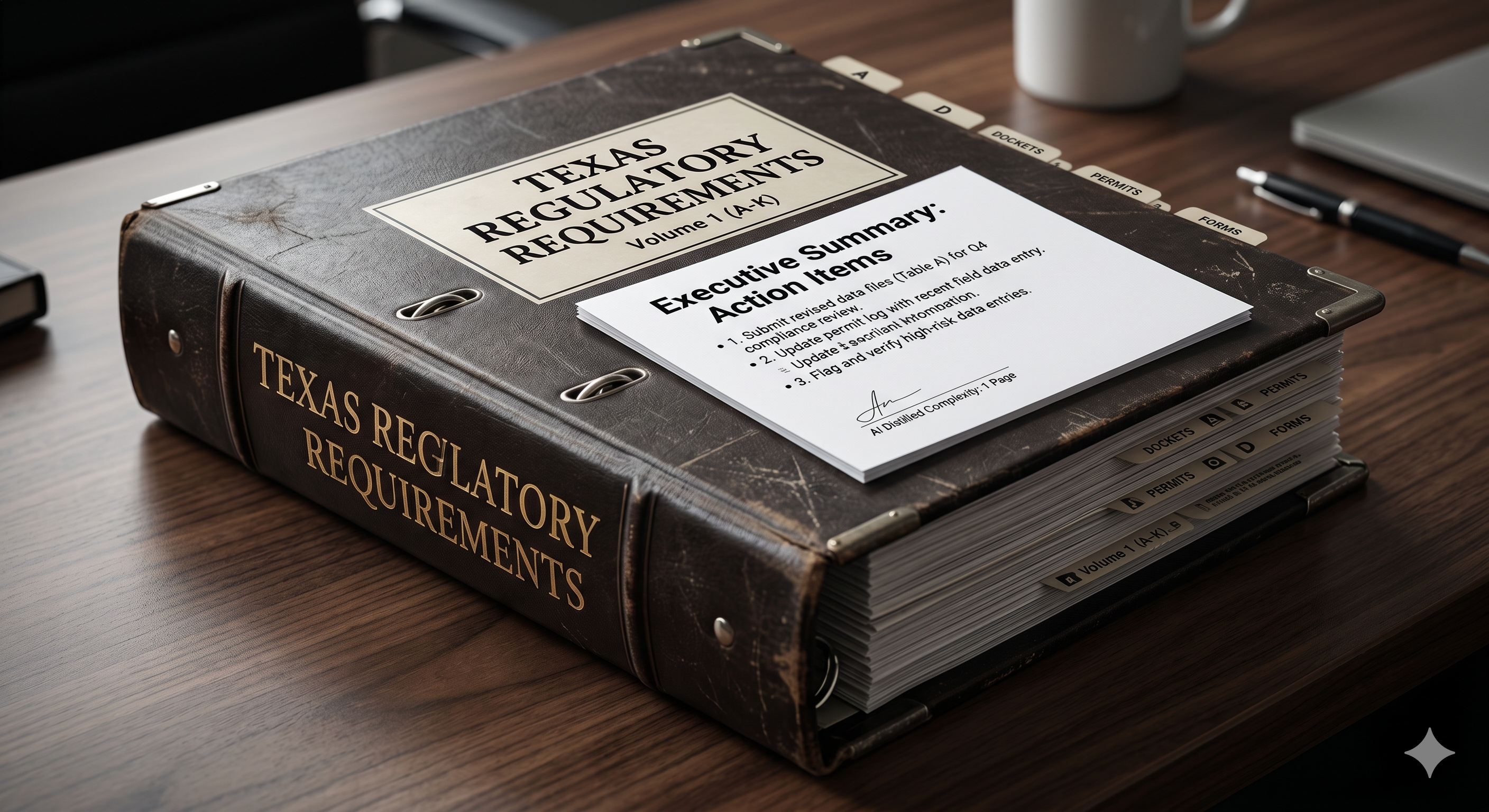
For business owners facing the 735 hours of annual regulatory burden, staying current is a full-time job.
The Shift: Feed complex updates (like the new Texas TRAIGA requirements) into a secure, enterprise-grade AI model.
The Result: You get a 1-page "Executive Summary" of exactly how the law affects your specific business model, saving you thousands in legal consulting fees.
The Bottom Line: Reclaiming Your Vision
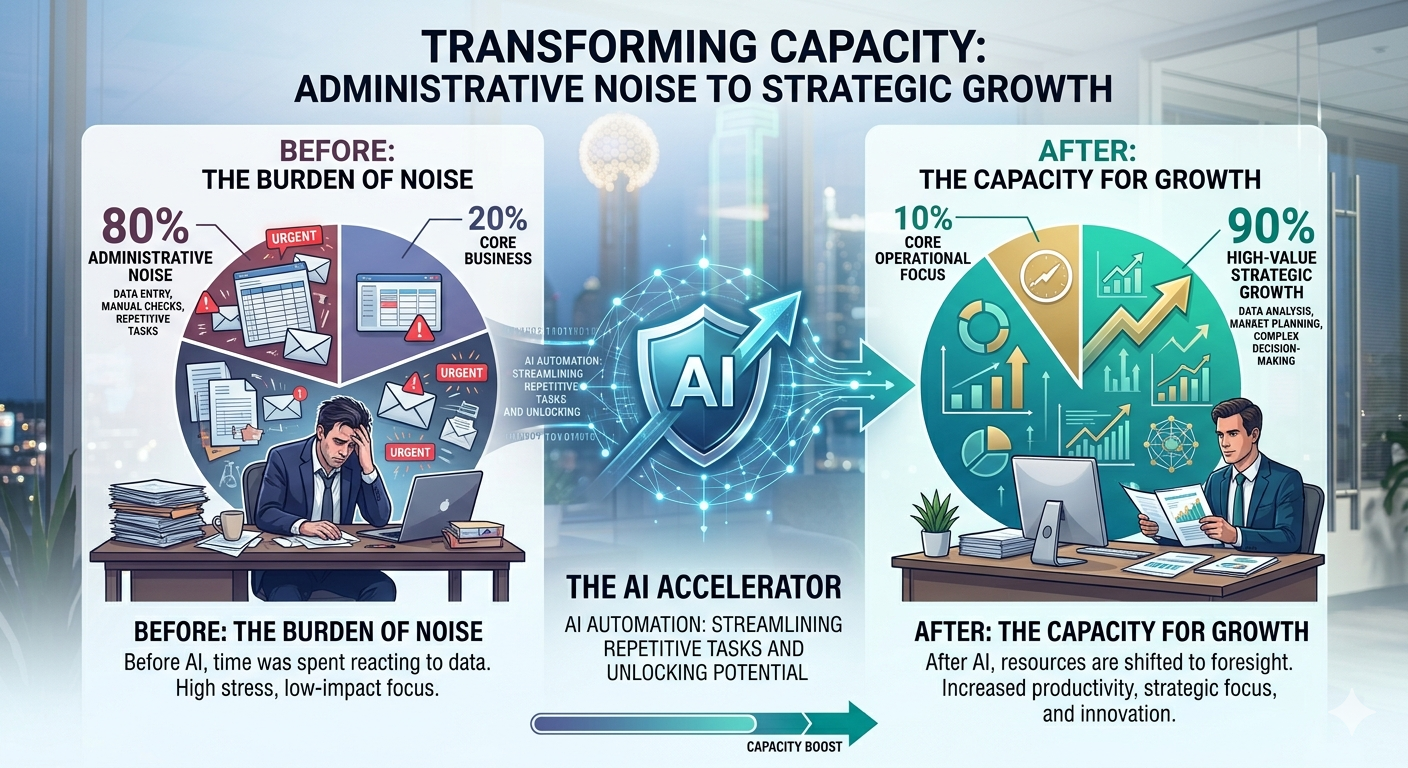
AI isn't here to replace the people you’ve spent years training. It’s here to take the "robotic" parts of their jobs away so they can get back to the high-value work you actually hired them for.
If you ignore this leak, your team will continue to burn out—or worse, they’ll keep using unsecured "Shadow AI" that puts your entire network at risk.
M3 Networks Pro Tip: You don't have to automate everything at once. Pick the one task that causes the most "groans" in your office and start there.
Want a professional second opinion on where your team is losing the most time? Schedule a 15-minute Strategy Call with M3 Networks. Let’s figure out how to give you your "thinking time" back.
People Also Ask (FAQ)
1. How do I know if my team is secretly using AI?
Check your network logs for traffic to common AI domains (OpenAI, Anthropic, etc.). If you see high usage but don't have a company policy, you have a Shadow AI risk.
2. Can AI really understand complex Texas business regulations?
Yes, provided you use "High-Context" tools like Google AI Studio or Perplexity and verify the output. It shouldn't replace your lawyer, but it can replace the 10 hours you'd spend reading the raw documents.
3. What is the biggest mistake businesses make with AI automation?
Trying to automate a broken process. If your workflow is a mess, AI will just make it a mess faster. Fix the process, then add the machine.
4. Is it expensive to set up a managed AI system?
For most SMBs, the cost is around $20–$30 per user, per month. Compare that to the cost of a data breach or the cost of replacing a burned-out employee, and the ROI is undeniable.
5. How long does a Capacity Audit take?
The initial diagnostic takes about 15 minutes of observation. The implementation of the first "Quick Win" (like meeting summaries) can be done in a single afternoon.