

Implementing AI: From Capacity Audit to Execution
You ran our 15-Minute AI Capacity Audit. Or maybe you just did some hard, honest soul-searching after reading our last few posts.
Either way, you’ve arrived at the same cold realization: Your business has some massive, invisible time-leaks. Your staff is wasting hours on repetitive administrative junk, and you are still spending too much of your week acting as the human router for basic company information.
You know you need to build some modern automation. But now you’re staring at a blank office whiteboard on a Monday morning, wondering:
“What do I actually do first?”
This is where most visionary owners freeze up. They get stuck in "analysis paralysis." They look at the thousands of software applications flooding the market, get overwhelmed by the technical jargon, and decide to put the project on the back burner until "things quiet down."
Let's tell the radical truth: Things are never going to quiet down.
If you wait for the perfect, quiet week to structure your technology, you’ll still be troubleshooting server errors and reviewing basic templates in 2030. You don't need a perfect schedule; you need a practical AI implementation roadmap for SMBs.
And to build one that actually works, we’re going to borrow a framework from the folks who handle the highest-stakes security in the country.
The NIST Framework (Without the Boring Jargon)
When the federal government wants to secure its tech systems, it turns to the National Institute of Standards and Technology. NIST developed something called the AI Risk Management Framework (NIST AI RMF).
Now, if you try to read the official NIST documentation, you will probably fall asleep at your desk within four minutes. It is written by compliance officers, for compliance officers.
But if you strip away the dry boardroom talk, the core of the NIST framework boils down to four simple, powerful steps that any small business can—and should—use to guide their technology planning:
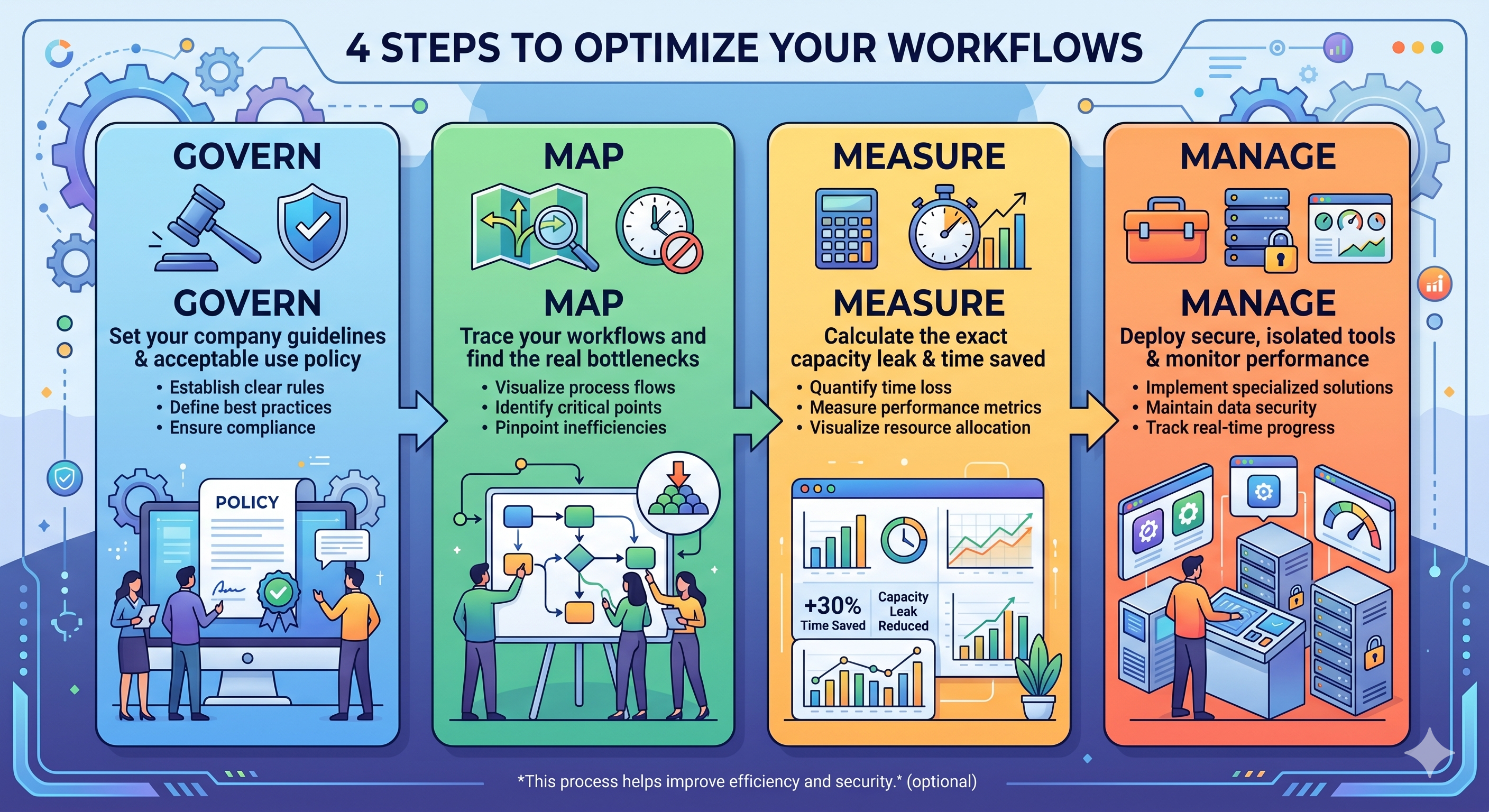
This four-part loop is how you stop guessing and start building. It prevents you from buying a tool your team doesn't need, and it stops your staff from accidentally leaking your proprietary data.
Let’s break down exactly how to run this loop in your business.
Phase 1: The AI Readiness Assessment (The "Govern" Step)
Before you install a single program or sign a single software agreement, you have to look under the hood of your business. This is your AI readiness assessment.
Think of it as a tech physical. You wouldn't start a high-intensity workout routine without checking your heart rate first. You shouldn't throw advanced automation into an office that is currently struggling with basic file sharing.
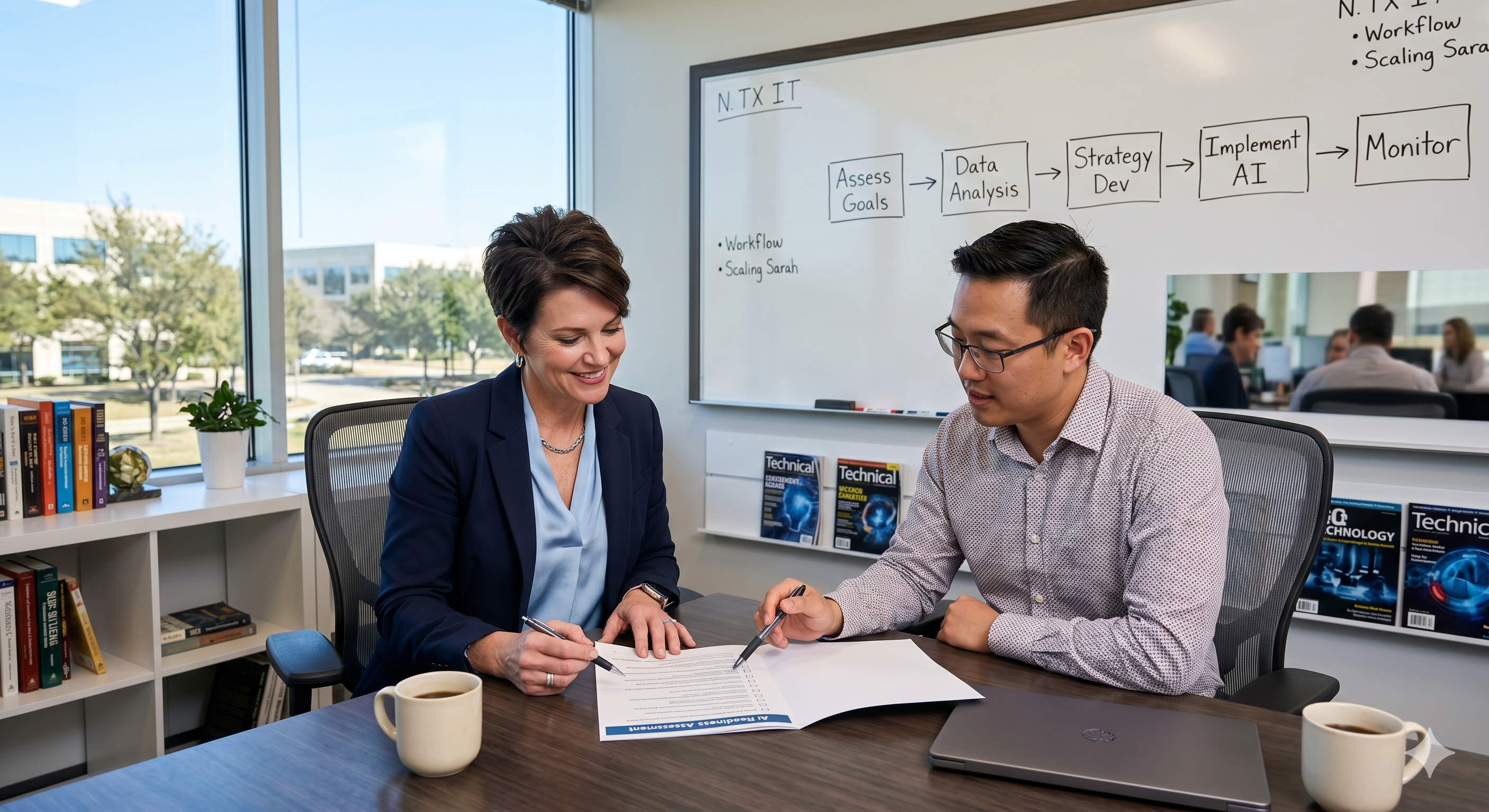
During this phase, you need to answer three foundational questions:
What is our data structure? Are your files stored in a messy, chaotic web of local desktop folders, or do you have a clean, centralized, cloud-based document library? (If your files are a mess, AI will only help your team find the wrong files faster.)
What is our security baseline? Do you have multi-factor authentication (MFA) turned on for every account? Do you have an active firewall?
What is our official AI policy? Have you given your team clear, plain-English guidelines on what they can and cannot do with public tools?
The Goal of Phase 1: Establish your rules. Lock down your basic security. If you don't secure the house first, any automation you build will just open a wider back door for hackers.
Phase 2: Tech Stack Optimization (The "Map" Step)
The biggest mistake small businesses make is trying to automate a broken process.
If your scheduling workflow requires three different people to manually copy data from an email into a spreadsheet, then into a calendar, and finally into an invoice, that process is broken. If you just throw a generic AI tool at it, you will just speed up the generation of errors.
You have to run a tech stack optimization first. This means mapping your actual day-to-day workflows on a physical piece of paper:
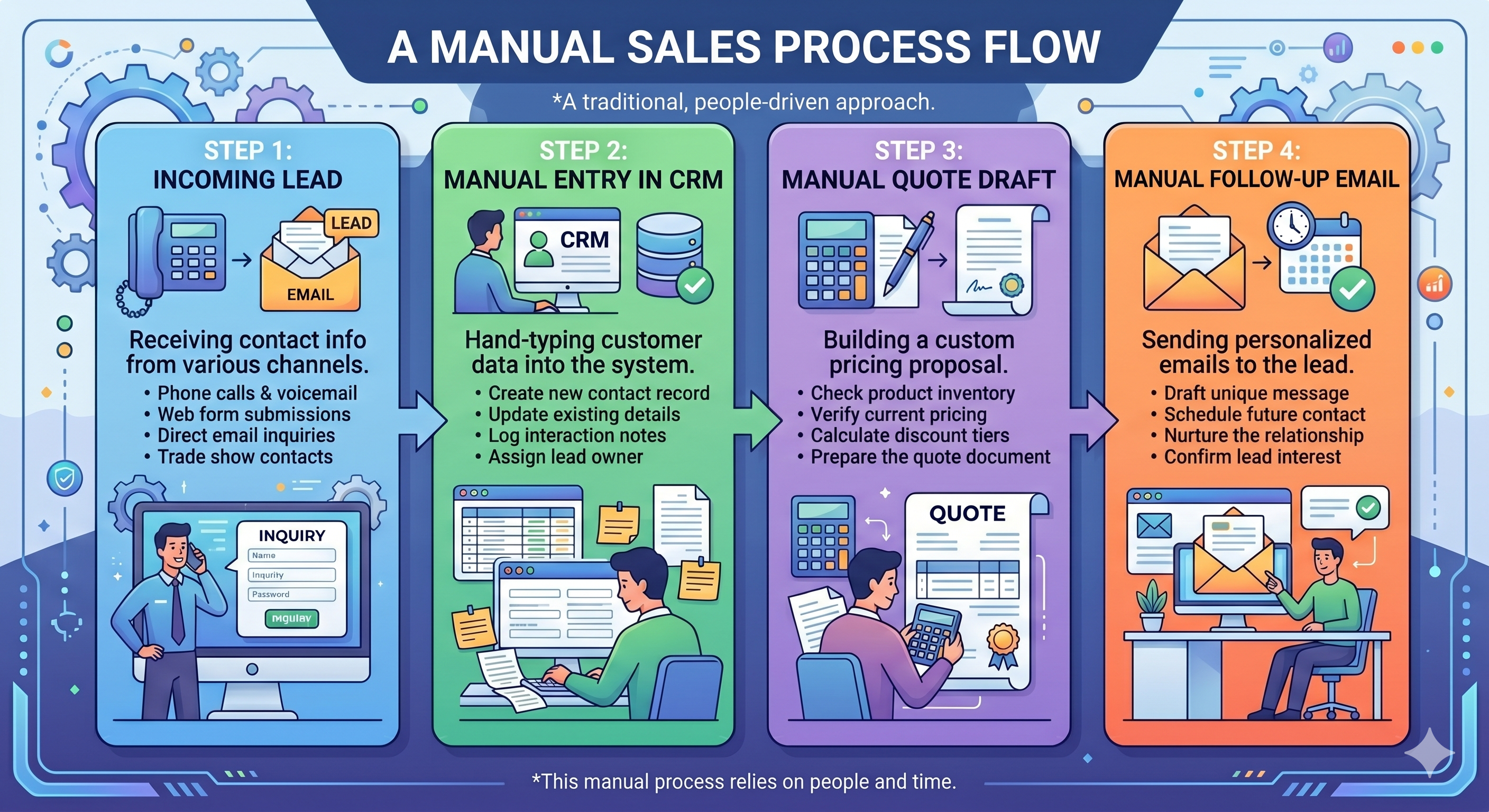
Once you map the flow, you can easily spot the friction points.
Where are your employees wasting time on manual copy-pasting?
Which software tools are your teams paying for that don’t talk to each other?
What manual routing can we replace with simple, secure software triggers?
By cleaning up your existing software and making sure your core programs are properly integrated, you lay the tracks for the automation engine to run on.
Phase 3: The Pilot Test (The "Measure" Step)
You don’t deploy new systems to your entire company on day one. That’s how you trigger employee mutiny and halt your cash flow.
Instead, select one small, high-impact workflow and run a pilot test with two or three of your most tech-savvy team members.
For example: Take your client onboarding process.
Build a secure, isolated AI helper designed to read your incoming client intake forms.
Have the helper draft the welcome emails, set up the project folder, and populate the tasks in your project management system.
Run this pilot for two weeks.
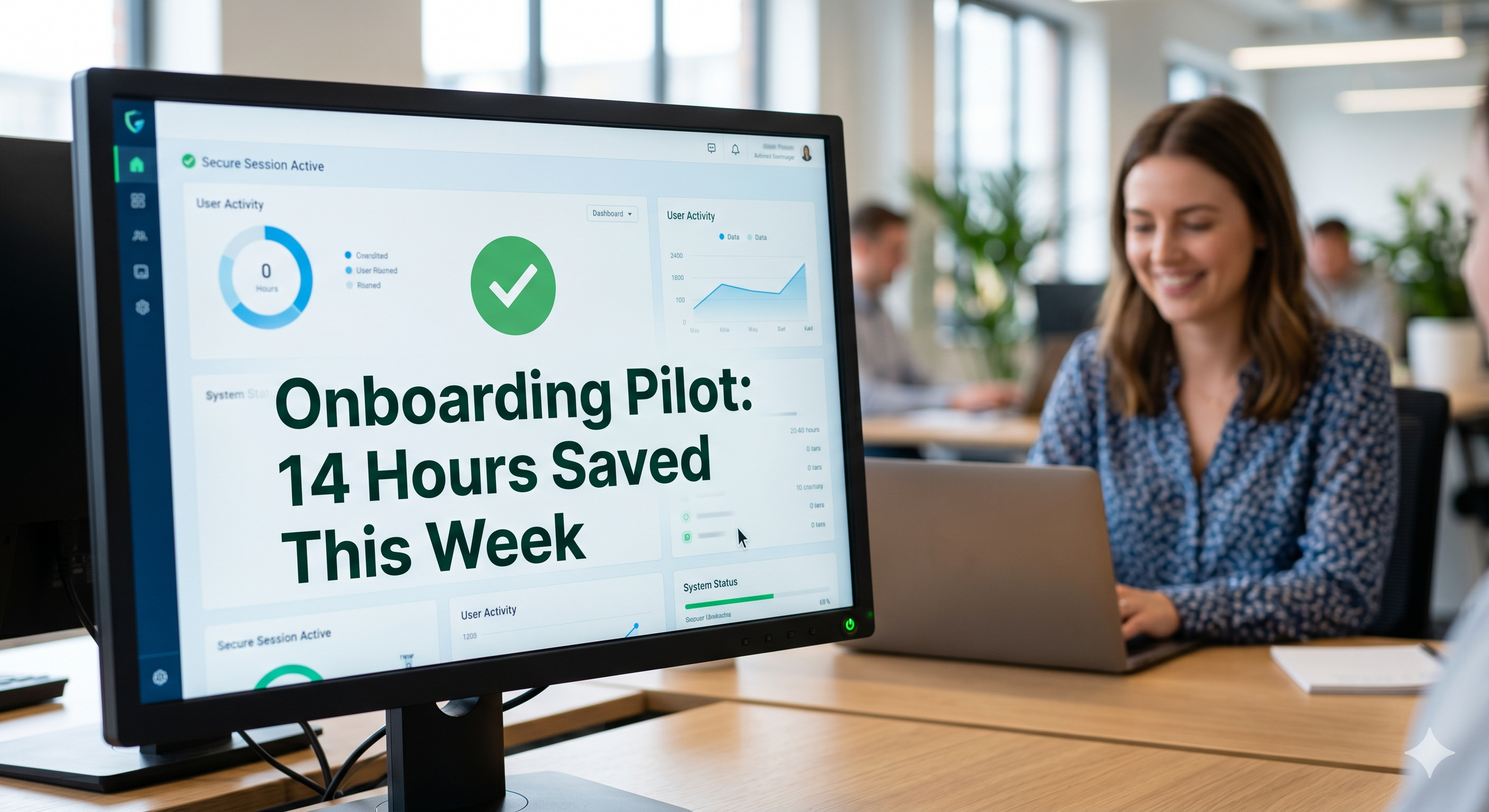
During this pilot, you must measure the results. Did it actually save time? Did it introduce any errors? Did the employees find it easy to use?
By testing in a controlled environment, you can iron out the kinks before you roll the system out to the rest of the company.
Phase 4: Scaling Securely (The "Manage" Step)
Once your pilot is successful, you are ready for scaling with AI. This is where you roll the secure, managed workflows out to the entire office and establish ongoing management.
Scaling securely means:
Training Your Staff: Don't just hand them a tool and expect them to know how to use it. Run short, hands-on training sessions. Explain why the new process exists and how it keeps company data safe.
Continuous Monitoring: Work with your Managed Service Provider (MSP) to monitor network traffic and ensure no unapproved "Shadow AI" applications are creeping back into your systems.
Regular Iteration: Technology changes fast. Set a calendar reminder to review your automated workflows every six months with your virtual CIO (vCIO) to ensure you are still using the most efficient, cost-effective solutions.
The Barbecue Test: Paving the Road

Let's use a neighborly comparison.
Imagine you decide to host a major weekend barbecue for fifty of your closest friends. You go out and buy a massive, commercial-grade offset smoker. You spend thousands of dollars on it.
But you don't buy any wood. You don't prep the meat. You don't check if you have enough space on your patio. And you’ve never actually smoked a brisket before in your life.
You show up on Saturday morning, turn on the smoker, throw a frozen brisket inside, and hope for the best.
What happens? You burn the meat, ruin the smoker, frustrate your guests, and end up spending another $300 ordering takeout.
Buying cheap, unmanaged AI software without a roadmap is the tech equivalent of that backyard disaster. You are buying the "smoker" before you've prepped the "brisket."
An AI implementation roadmap for SMBs is your recipe. It ensures that when you finally turn the machine on, you actually get the results you paid for.
Build Your Runway
Stop trying to figure this out by guessing. You are the CEO. Your time is too valuable to spend researching APIs, system integrations, and firewall settings.
Your job is to define where you want your business to go. Our job is to build the secure, visionary infrastructure that gets y'all there.
Let's make IT easy. Let's sit down, review your existing workflows, and build a practical roadmap that protects your company, streamlines your operations, and finally gives you your thinking back. Book your 20 min AI readiness audit today!
People Also Ask (AISEO FAQ)
1. What is an AI implementation roadmap for SMBs?
An AI implementation roadmap for SMBs is a step-by-step strategic plan that guides a small or medium-sized business through the safe, structured adoption of AI technology. It focuses on identifying high-value workflows, establishing data security guardrails, and pilot-testing solutions before scaling them across the company.
2. How do I know if my business is ready for AI automation?
Your business is ready for AI if you have a clean, centralized data structure (such as secure cloud storage), active baseline security measures (like multi-factor authentication), and repetitive manual workflows that consume significant employee time. An AI readiness assessment can help you identify any structural gaps before you begin.
3. What is the NIST AI Risk Management Framework (NIST AI RMF)?
The NIST AI Risk Management Framework is a structured methodology created by the National Institute of Standards and Technology to help organizations manage the risks associated with AI. It is built around four core functions: Govern, Map, Measure, and Manage, which help businesses build trust and prevent data leaks.
4. How can I run an AI pilot test without disrupting my operations?
To run a pilot test without disruption, select a single, low-risk, high-frequency process (such as client onboarding or scheduling follow-ups) and test the automation with a small group of tech-savvy employees. Run the test for 2–3 weeks, monitor the output, and resolve any issues before rolling it out to the wider team.
5. Why do most AI implementations fail in small businesses?
Most implementations fail because businesses attempt to automate broken, unoptimized processes, use cheap consumer-grade tools that lack security, or fail to provide adequate training to their staff. A successful implementation requires a structured strategy, proper security guardrails, and ongoing support.